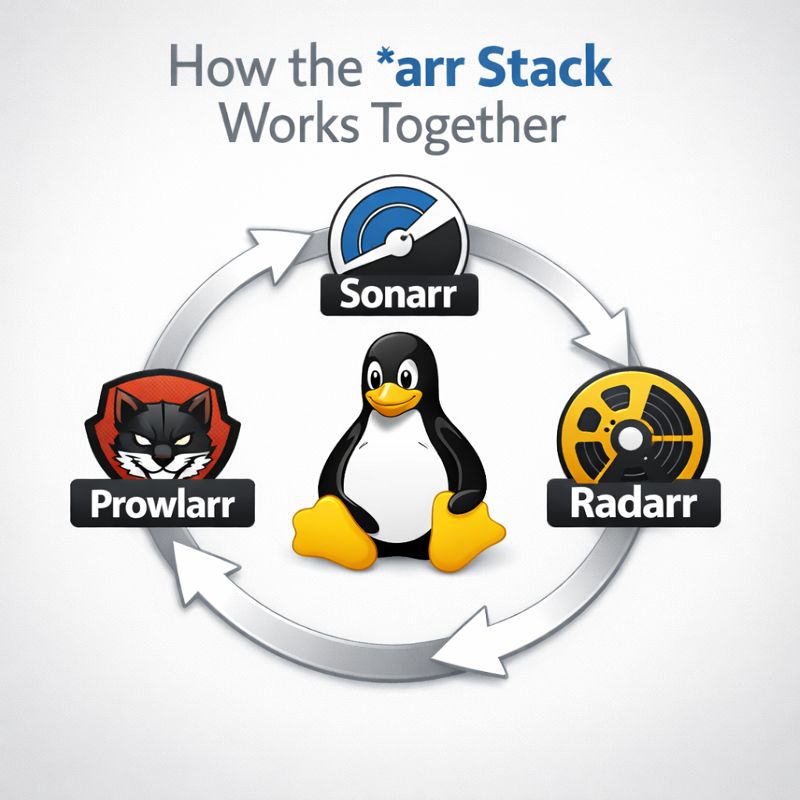
If you’re running a self-hosted media setup, Sonarr, Radarr, and Prowlarr are usually mentioned together — but it’s not always obvious why. They aren’t redundant, and they don’t do the same job. Each one handles a specific part of the pipeline, and when wired correctly, the whole system mostly runs itself.
self-hosted
How to Install Sonarr
On a Linux-Based System
Sonarr is one of those tools that feels optional until you use it for a week—then you wonder how you ever managed TV shows manually. This post walks through installing Sonarr on a Linux-based system, assuming you already have basic Linux access and aren’t afraid of the terminal.
If Linux still feels unfamiliar, I strongly recommend reading A Beginner’s Guide to Linux first. It explains distributions, package managers, and basic commands used throughout this guide.
How to Install Radarr
On a Linux-Based System
Radarr is one of those tools that quietly becomes critical once you start using it. It handles movie monitoring, quality upgrades, and automation, and it does it well. In this post, I’ll walk through how I install Radarr on a Linux-based system using the official repository.
If you’re brand new to Linux concepts like package managers, services, or the terminal, I strongly recommend starting withA Beginner’s Guide to Linux before continuing.
How to Install Prowlarr
On a Linux-Based System
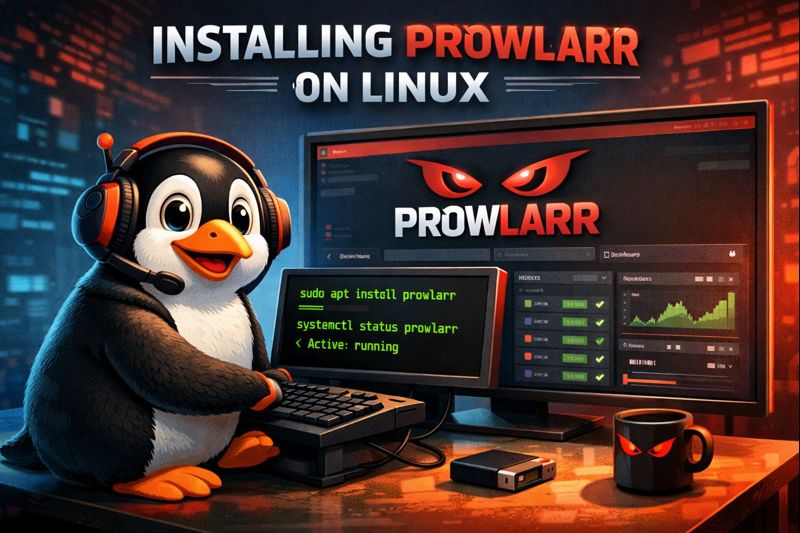
If you’re running a media automation stack on Linux, Prowlarr is one of those tools that quietly makes everything else less painful. It centralizes indexer management for Sonarr, Radarr, Lidarr, and friends, so you’re not reconfiguring the same indexers over and over again.
This post walks through how I install Prowlarr on a Linux-based system using the official method. I’m assuming you already have a basic Linux install up and running. If not, start with A Beginner’s Guide to Linux before continuing.