Securing Your Indexers

Linux penguin protected by a shield and lock symbol representing securing your indexers with an always-on VPN for Prowlarr, Sonarr, and Radarr on Linux

Always-On VPN with Custom systemd Scripts

This post documents how I believe you should be securing your indexers; primarily Prowlarr, Sonarr and Radarr, along with the automation services that depend on it behind an always-on VPN using custom systemd scripts.

These services do not download torrents themselves, but they make constant outbound requests to indexers and third-party APIs. I don’t want that traffic coming directly from my home IP.

The goal is simple and strict: if the VPN isn’t up, the indexers should not be running.

Read more

How Sonarr, Radarr, and Prowlarr Work Together

Sonarr, Radarr, and Prowlarr logos arranged in a circular workflow with arrows, surrounding a Linux penguin in the center, showing how the arr stack works together on Linux systems.

If you’re running a self-hosted media setup, Sonarr, Radarr, and Prowlarr are usually mentioned together — but it’s not always obvious why. They aren’t redundant, and they don’t do the same job. Each one handles a specific part of the pipeline, and when wired correctly, the whole system mostly runs itself.

Read more

How to Install Prowlarr

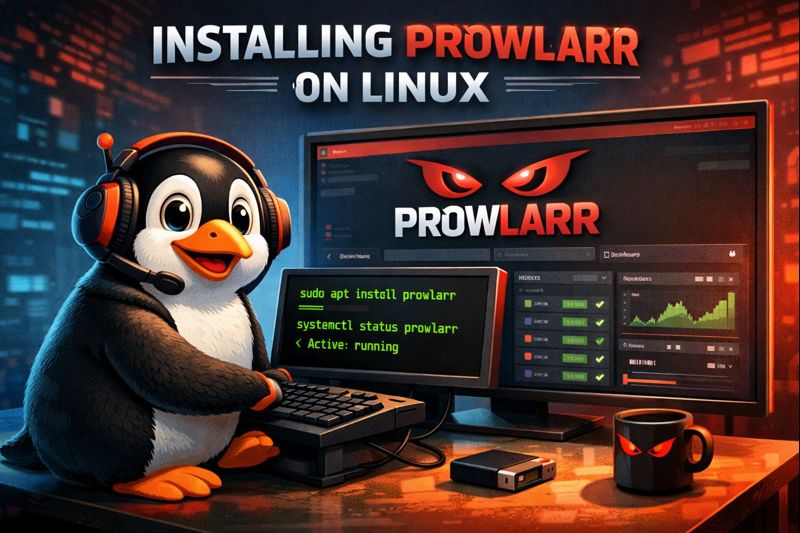
Linux penguin using a terminal to install Prowlarr, with the Prowlarr web interface displayed on screen

On a Linux-Based System

If you’re running a media automation stack on Linux, Prowlarr is one of those tools that quietly makes everything else less painful. It centralizes indexer management for Sonarr, Radarr, Lidarr, and friends, so you’re not reconfiguring the same indexers over and over again.

This post walks through how I install Prowlarr on a Linux-based system using the official method. I’m assuming you already have a basic Linux install up and running. If not, start with A Beginner’s Guide to Linux before continuing.

Read more