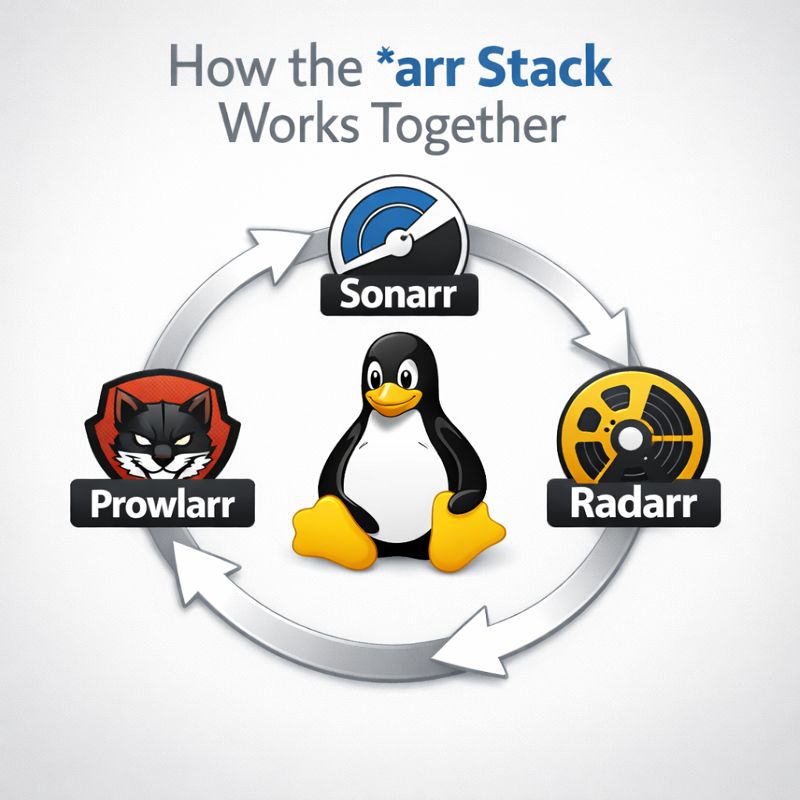
If you’re running a self-hosted media setup, Sonarr, Radarr, and Prowlarr are usually mentioned together — but it’s not always obvious why. They aren’t redundant, and they don’t do the same job. Each one handles a specific part of the pipeline, and when wired correctly, the whole system mostly runs itself.
What This Post Is About
This article explains:
- What each tool actually does
- How they communicate with each other
- What data flows between them
- Where things commonly break
This is not an install guide. This is about understanding the architecture so you can debug it when something inevitably stops working.
High-Level Overview
At a high level, the workflow looks like this:
- Prowlarr manages indexers (search sources)
- Sonarr manages TV shows
- Radarr manages movies
- A download client (qBittorrent, Deluge, etc.) moves files
Prowlarr feeds indexers into Sonarr and Radarr. Sonarr and Radarr decide what to download and when. The download client does the actual downloading. Plex (or Jellyfin) is downstream and doesn’t participate in the decision-making.
Prowlarr: Centralized Indexer Management
Prowlarr replaces the old model where you manually added indexers to every app. Instead, it acts as a single source of truth.
Prowlarr:
- Manages public and private indexers
- Handles authentication, API keys, and rate limits
- Syncs indexers into Sonarr and Radarr automatically
Once connected, Sonarr and Radarr don’t talk to indexers directly. They talk to Prowlarr, and Prowlarr talks to the indexers.
Key benefit: Add or fix an indexer once, and all apps inherit the change.
Sonarr: TV Show Automation
Sonarr is responsible for episodic content. It understands seasons, episodes, release schedules, and quality upgrades.
Sonarr handles:
- Tracking monitored TV series
- Knowing which episodes exist and which are missing
- Requesting searches via Prowlarr
- Sending downloads to the client
- Renaming and organizing files
Sonarr does not scrape the internet itself. When it needs an episode, it asks Prowlarr to search indexers on its behalf.
Radarr: Movie Automation
Radarr is Sonarr’s movie-focused sibling. The logic is similar, but simpler.
Radarr handles:
- Tracking monitored movies
- Managing quality profiles and upgrades
- Searching for releases through Prowlarr
- Importing and renaming movie files
Because movies are single-file events, Radarr doesn’t deal with scheduling or future episodes — which makes it easier to configure, but just as easy to misconfigure.
How They Actually Communicate
The communication flow is API-based and one-directional:
- Prowlarr pushes indexers into Sonarr and Radarr
- Sonarr/Radarr send search requests to Prowlarr
- Prowlarr returns matching releases
- Sonarr/Radarr choose a release and send it to the download client
No files pass between these apps. Only metadata and decisions do.
Common Failure Points
Most issues come from misunderstanding responsibilities:
- Indexer added in Sonarr instead of Prowlarr
- Wrong category mappings between Prowlarr and the download client
- Download completes but import fails due to permissions or paths
- Quality profiles blocking all available releases
If searches return results but nothing downloads, it’s usually a category or profile issue — not an indexer issue.
Why This Architecture Matters
This separation of concerns is why the stack scales well:
- You can add more apps without duplicating indexers
- You can swap download clients without reconfiguring searches
- You can debug failures by isolating which layer broke
Once you understand that Prowlarr supplies data and Sonarr/Radarr make decisions, troubleshooting becomes much more mechanical.
Do you want to install them yourself?
How to Install Sonarr on Raspbian
Wrap-Up
Sonarr, Radarr, and Prowlarr aren’t three ways to do the same thing — they’re three pieces of a pipeline.
Prowlarr finds releases. Sonarr and Radarr decide what’s acceptable. The download client does the heavy lifting. Everything else is plumbing.
If your setup feels fragile, it’s usually because one of those boundaries got blurred.
Each provider has a website were you can read more!
Question for the Reader
What part of your automation breaks most often — searching, downloading, or importing?
Suggested next read: A deep dive into how download categories and paths can silently break an otherwise “working” setup.