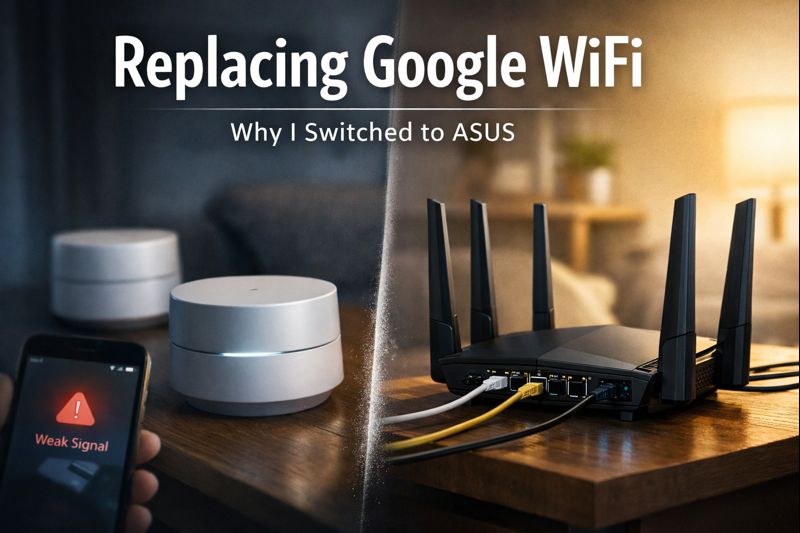
I’ve been running Google WiFi pods since 2019, but replacing Google WiFi recently became unavoidable after years of reliability started to slip. For a long time, the system was exactly what I wanted: simple, stable, and invisible. I set it up once and didn’t think about it again.
That changed over the past few months.
The Weekly Network Dropouts
About once a week, the entire house would lose connectivity. Laptops, TVs, phones—everything dropped at the same time. This wasn’t a single room or a single device acting up. The whole network went down.
When I opened the Google Home app, one or two pods would show a weak connection. Moving the pod or restarting the entire mesh would fix it, but only temporarily. Every fix required a full mesh reboot.
The reboot itself took around ten minutes, and it became a familiar routine—along with annoyed family members asking why the internet was down again.
No Setup Changes, Just Degrading Reliability
What made this more frustrating was that nothing had changed in my environment. No new devices. No rewiring. No ISP changes. The network layout was identical to the one that had been rock solid for years.
When a system starts failing without any clear trigger, confidence disappears quickly. I stopped trusting the network to just work.
Wi-Fi 5 Was Starting to Show Its Age
The Google WiFi pods I was using are Wi-Fi 5 hardware. In real-world use, I was seeing around 30 Mbps download and 9 Mbps upload on wireless devices. That was acceptable years ago. Today, it feels limiting.
Even when the network was technically “up,” it felt constrained. Between work, streaming, and normal household usage, performance headroom just wasn’t there anymore.
Cloud Dependence Became a Hard Stop
The biggest issue, though, wasn’t speed. It was dependency.
Google WiFi relies heavily on cloud connectivity. If the ISP connection drops, management and recovery become difficult or impossible. That means when the internet goes down, your ability to manage your own local network goes down with it.
I want my LAN to keep working even if my ISP doesn’t. File shares, local services, and internal devices should not care whether the outside world is reachable.
Why I Didn’t Go Full Enterprise
I did look at other options. TP-Link EAP access points were on my shortlist, but they require ceiling mounts. I wasn’t ready to start drilling holes in the walls of a new house just to fix Wi-Fi.
I wanted something more capable than consumer mesh gear, without turning my home into an enterprise networking project.
Why ASUS Made Sense
ASUS hit the middle ground I was looking for:
- Modern Wi-Fi performance
- Local control without cloud dependence
- Expandable mesh support via AiMesh
- Strong wired backhaul support
- Good price-to-performance, especially on sale
I wasn’t chasing perfection. I wanted better speeds, better reliability, and a network I didn’t have to babysit.
The Real Reason I Switched
Replacing Google WiFi wasn’t about a single catastrophic failure. It was about trust slowly eroding..
Weekly full-network outages. Mandatory cloud reliance. Aging hardware limits. And a setup that stopped being manageable when the internet went down.
I don’t expect my home network to be exciting. I expect it to be boring, predictable, and invisible. Google WiFi used to deliver that. It no longer does.
In the next article, I’ll walk through exactly how I replaced the Google WiFi pods with ASUS routers without breaking anything and how I kept every device online during the transition.
Read Seamless Network Migration, how I replaced Google WiFi with no downtime.
2 thoughts on “Why I’m Replacing Google WiFi with ASUS Routers”